
Day 46: Terraform- Basic Commands

Hi, I am an AWS-certified cloud engineer and I write about my progress and learnings of DevOps.
Hello everyone!
In the last article, we learned what Terraform is and its features. Today we will explore the basic commands of Terraform and understand their working. So let's jump into it!
Terraform is a popular infrastructure-as-code tool that automates the provisioning and management of infrastructure resources.
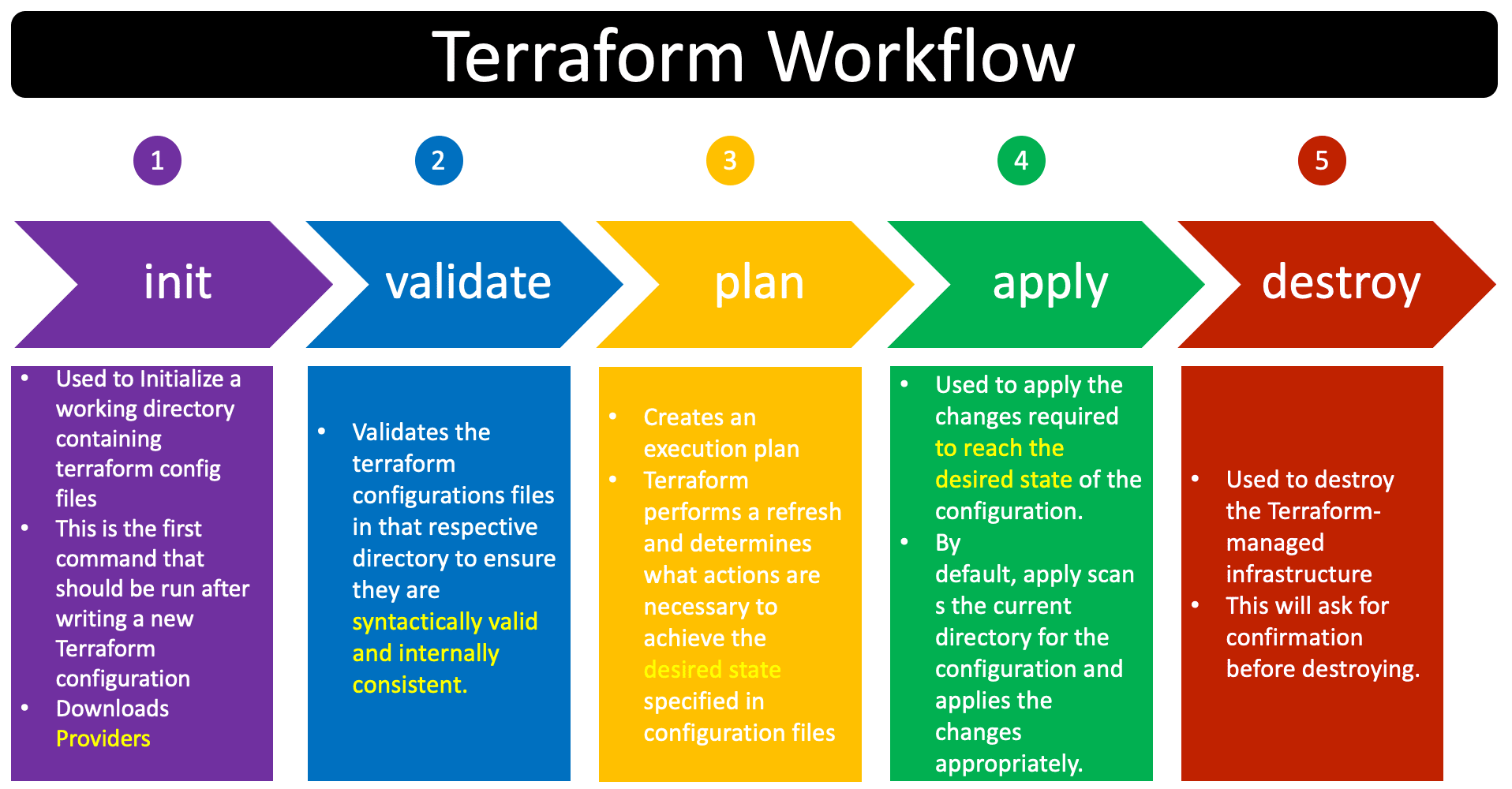
Task: Find the purpose of basic Terraform commands that you’ll use often
Find the purpose of basic Terraform commands that you'll use often
We’ve created a main.tf file on our ec2 instance.
resource “local_file” “devops” {
 filename = “/home/ubuntu/terraform/first_file.txt”
 content = “this is my file”
}
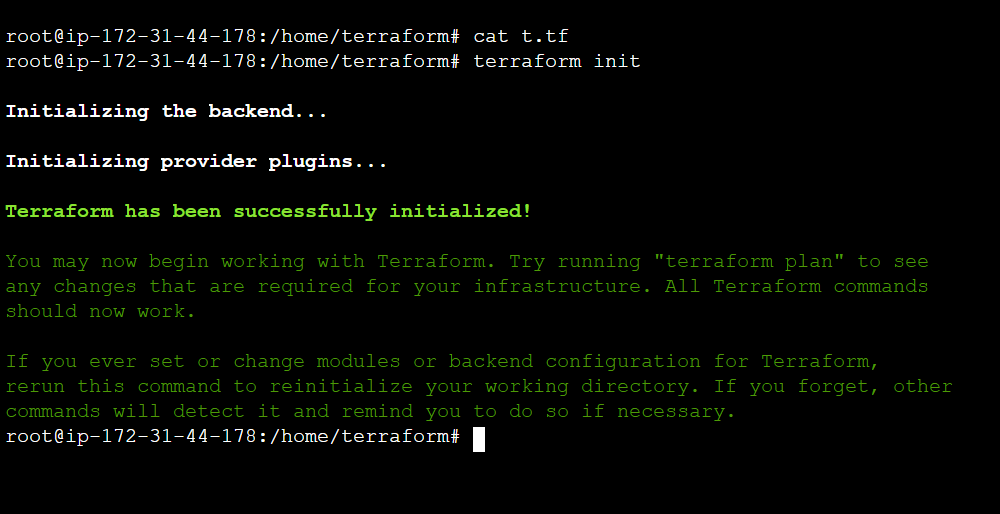
- terraform init
In order to prepare the working directory for use with Terraform, the terraform init command performs Backend Initialization, Child Module Installation, and Plugin Installation.
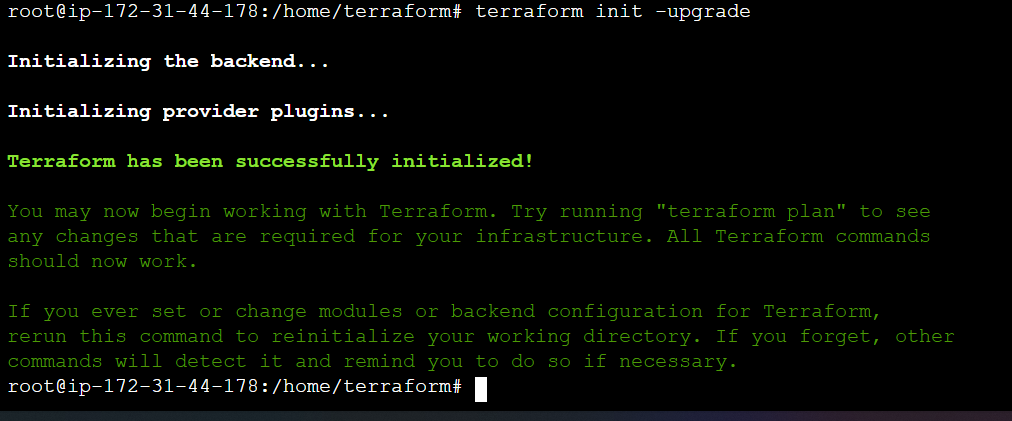
2) terraform init -upgrade
Performs the same initialization as terraform init but also upgrades installed provider plugins to their latest versions.
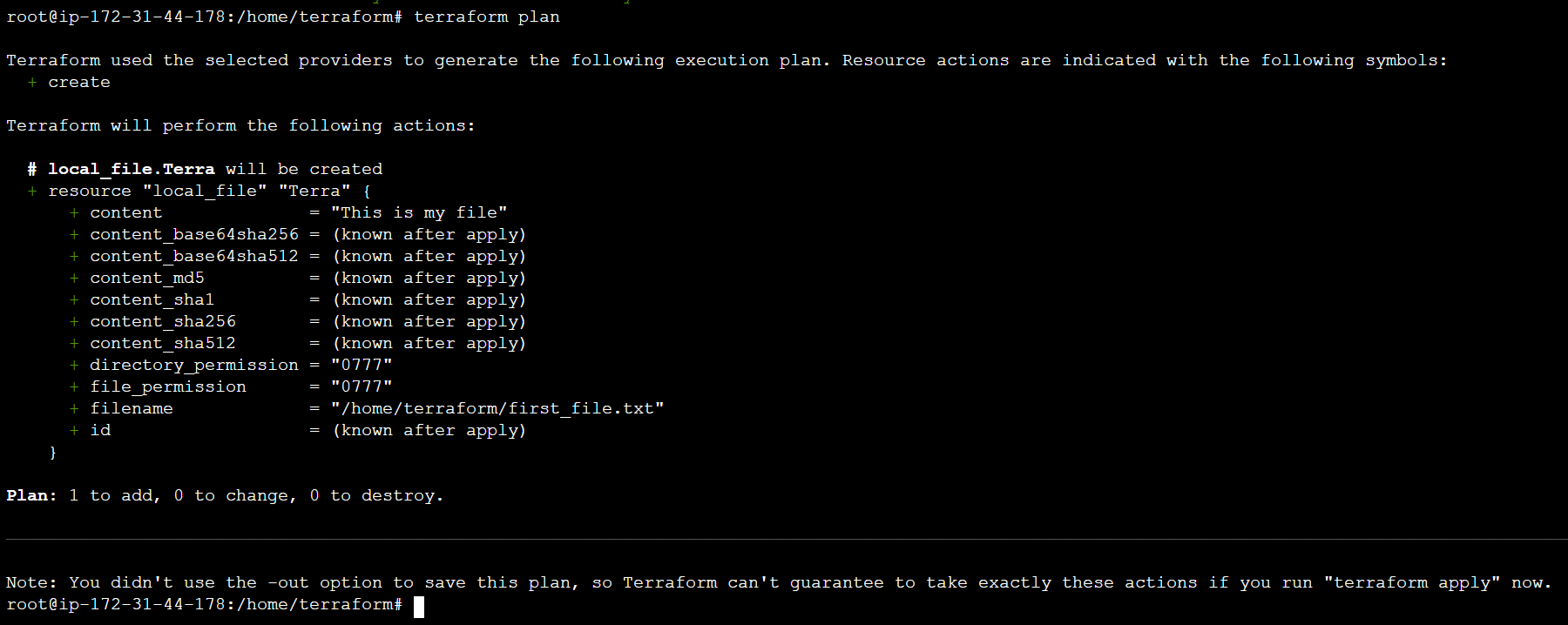
3) terraform plan
Plan will generate an execution plan, showing you what actions will be taken without actually performing the planned actions.
4) terraform apply
Create or update infrastructure depending on the configuration files. By default, a plan will be generated first and will need to be approved before it is applied.
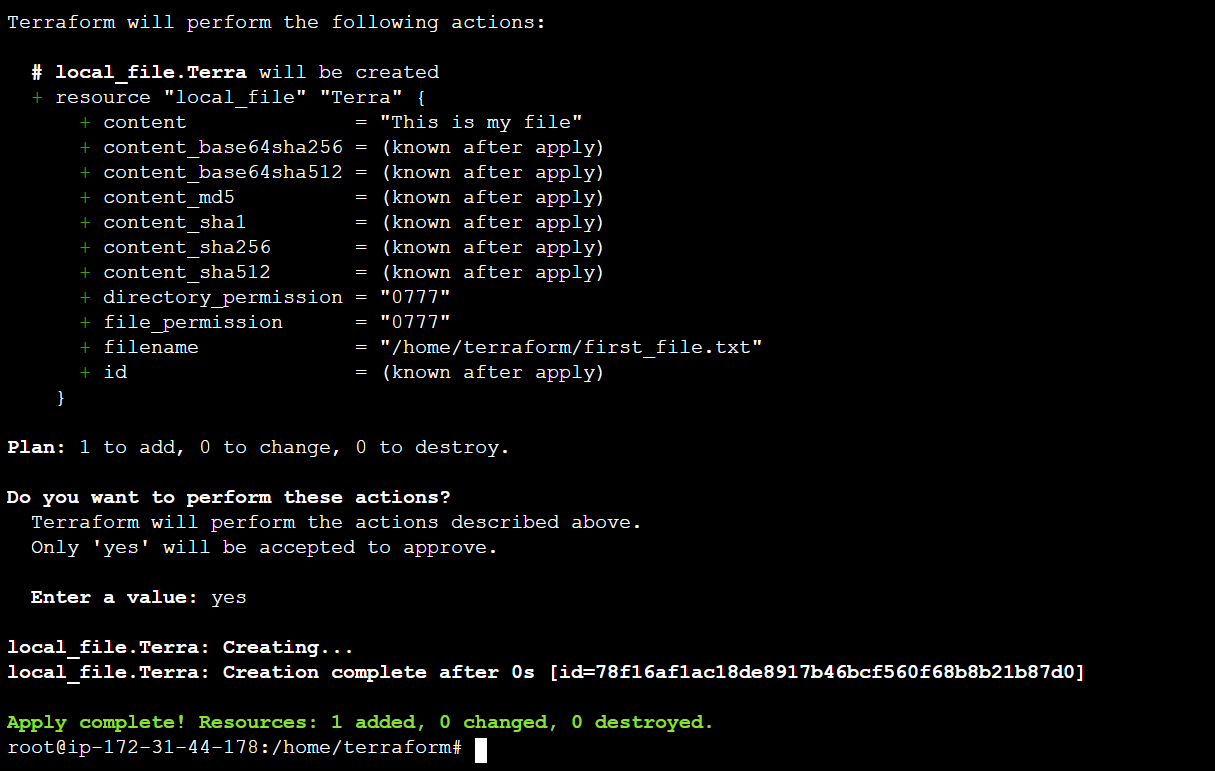
We have applied the terraform, Let’s check if the file is created in our directory.

Our file has been created successfully.
5) terraform validate
Validate the configuration files in your directory and does not access any remote state or services. terraform init should be run before this command.

6) terraform fmt
Format your Terraform configuration files using the HCL language standard.

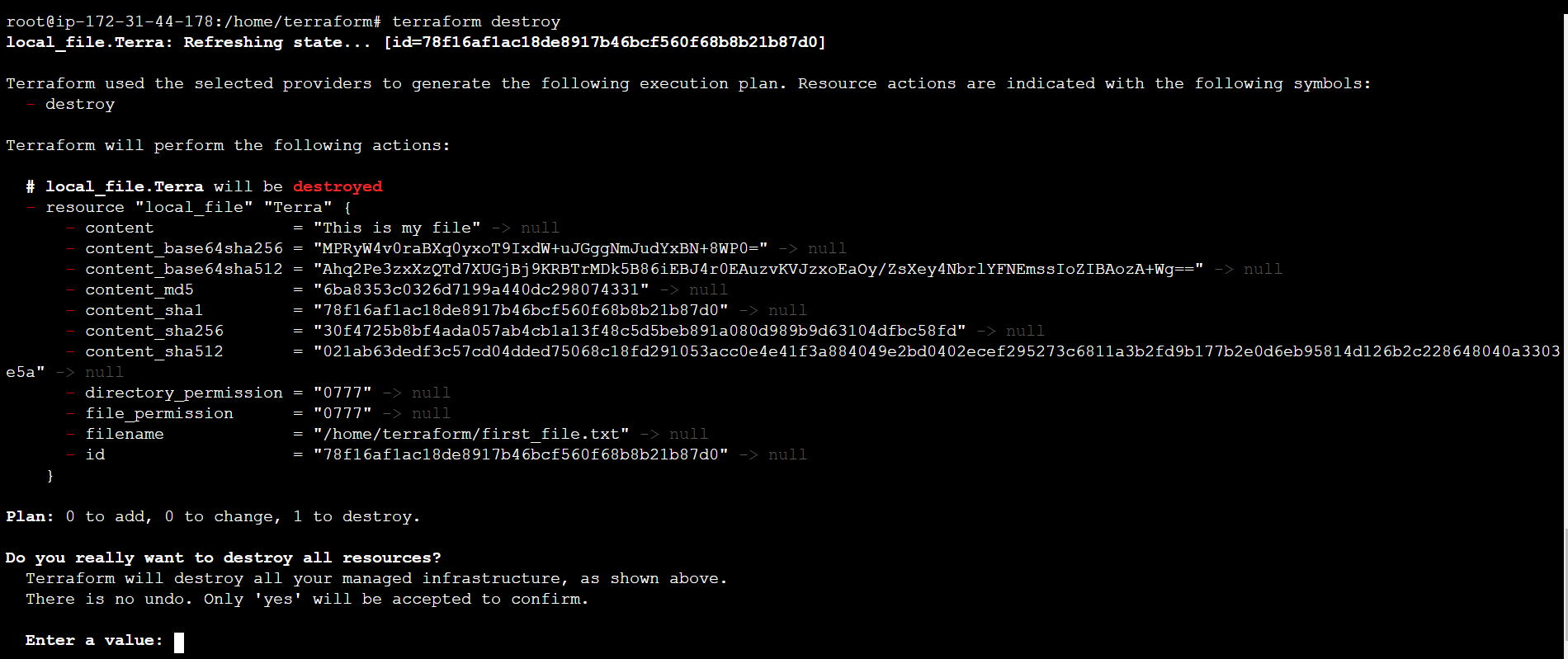
7) terraform destroy
Destroys all the resources created by your Terraform configuration, effectively tearing down your infrastructure.
Example:
terraform destroy
Who are Terraform’s main competitors?
The main competitors are — Ansible, Packer, Cloud Foundry, Kubernetes
Thanks for reading ;)


